Step 1
Bring your notes.
Upload a PDF, TXT or Markdown file, or start with the sample notebook. Cognify extracts and structures the source.
Learning · AI workspace
Turn class notes into study sessions that work.
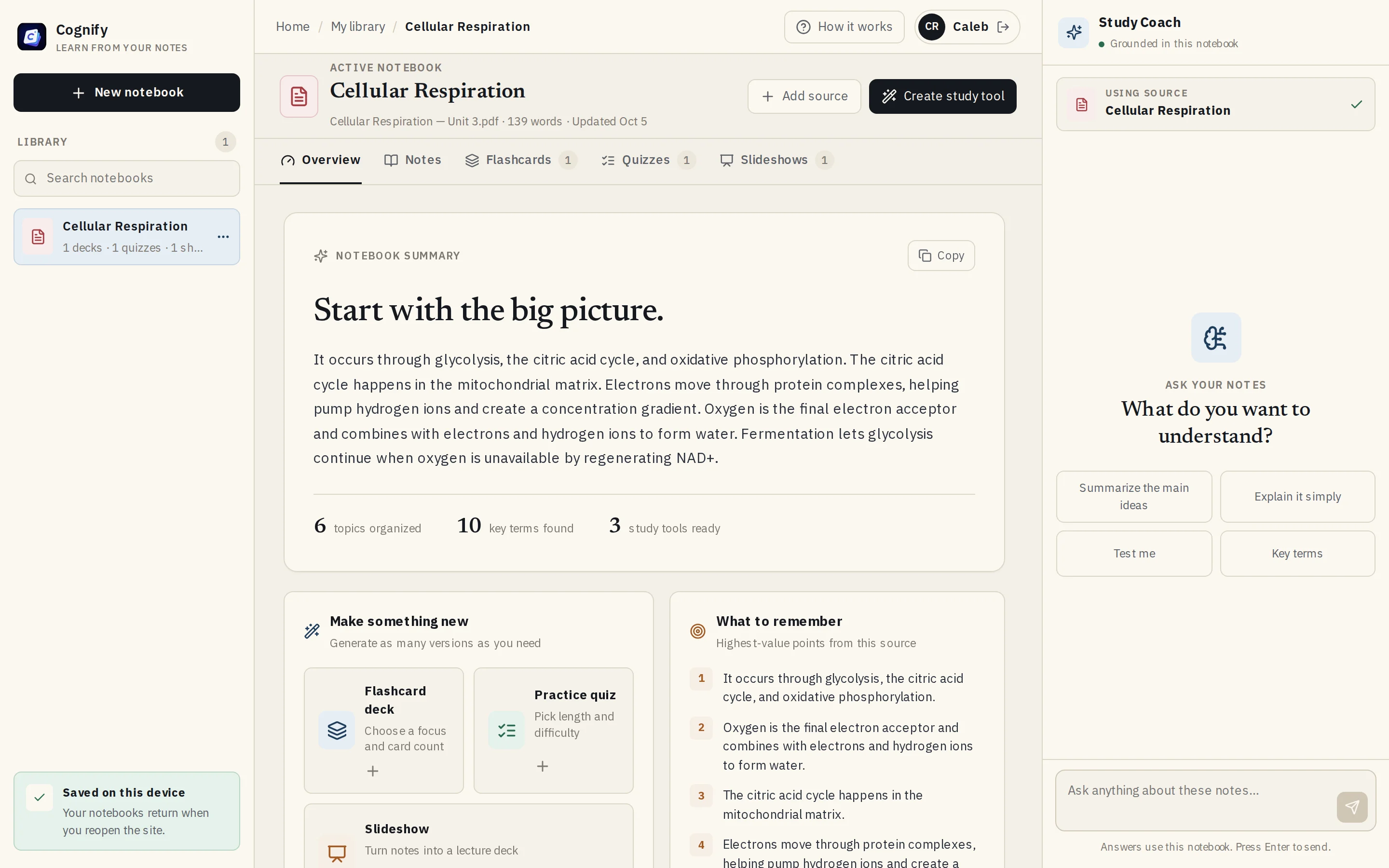
Cognify is an open-source AI study workspace. Upload your notes and it builds summaries, flashcards, quizzes and slideshows, plus a study coach, all grounded in your own material.
Make as many flashcard decks and quizzes as you need from the same notebook, at the length and difficulty you choose.
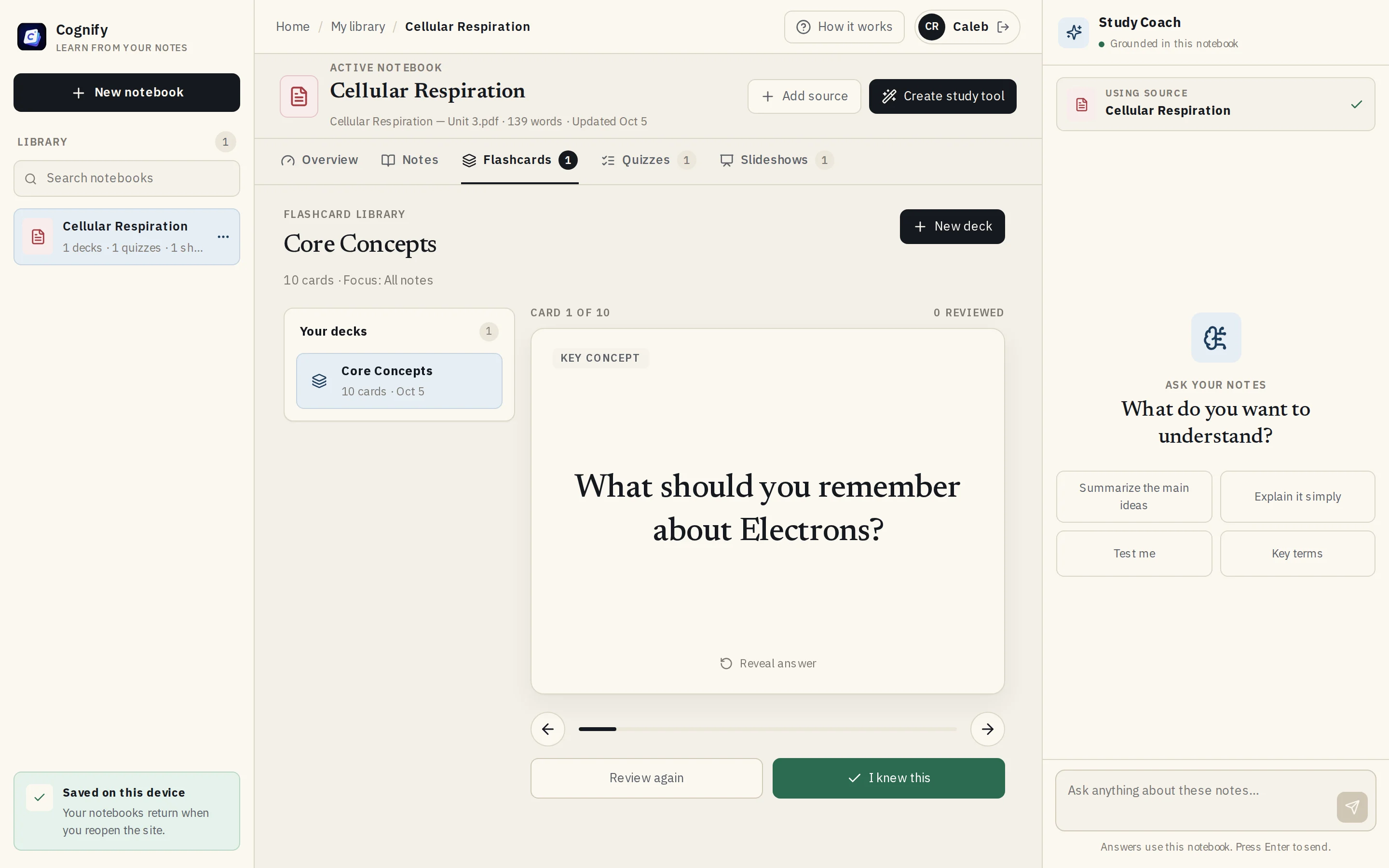
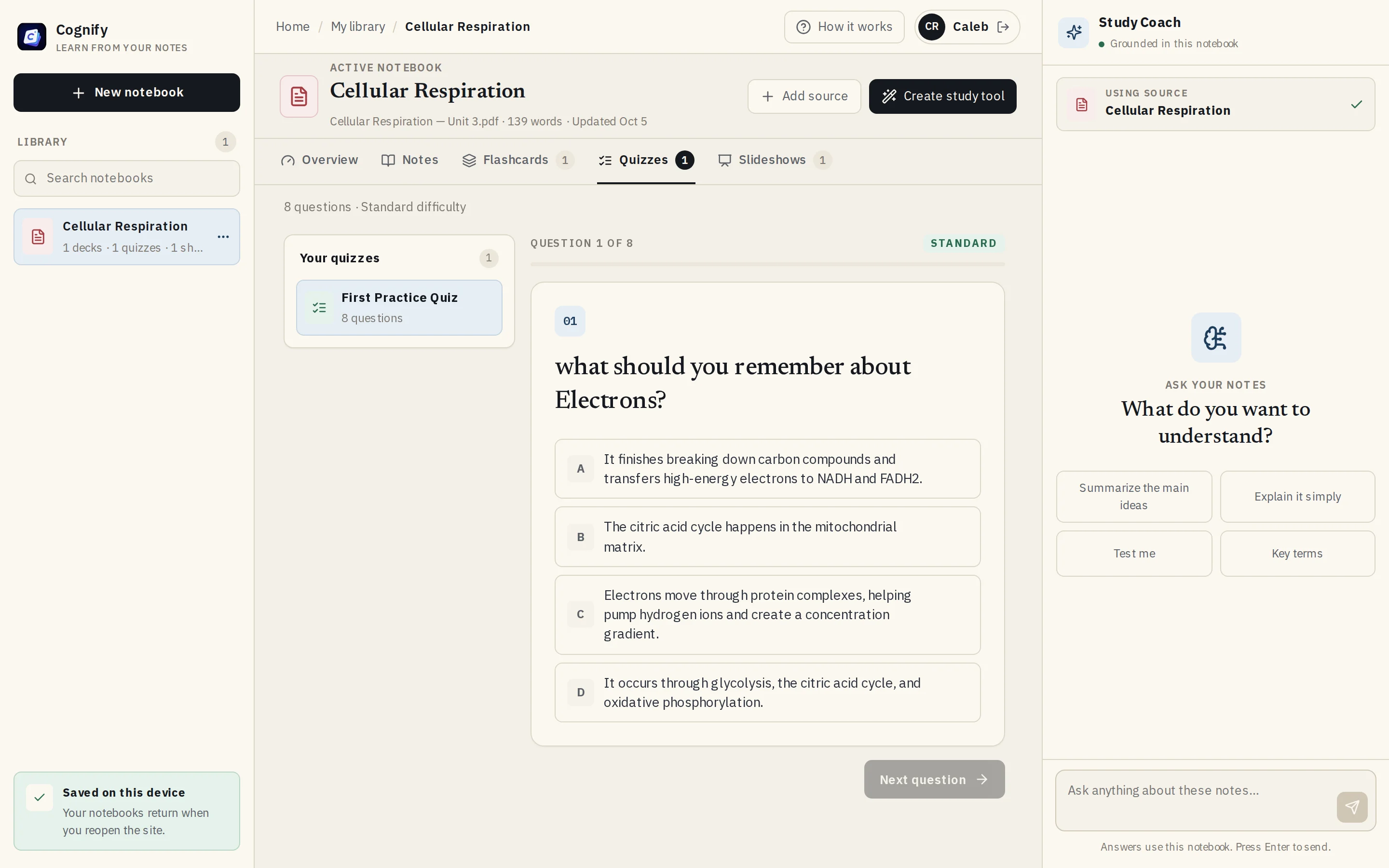
A focused study loop that starts from the student's own notes.
Step 1
Upload a PDF, TXT or Markdown file, or start with the sample notebook. Cognify extracts and structures the source.
Step 2
Server-side AI routes create summaries, flashcard decks, quizzes and slideshows with speaker notes, all tied to the active notebook.
Step 3
Review cards, present slides, take quizzes, or ask the study coach a question it answers from the same notes.
Every summary, card, question and coach answer is generated from the active notebook, through server-only API routes.
Previously generated sets are sent as history, so new decks and quizzes cover fresh facts instead of repeating the same ones.
Google OAuth through Auth.js, with API keys and secrets kept on the server and never shipped to the browser.
MIT licensed, with a contributor guide, so it can also serve as a reference for building educational AI products.